Managing Cloud Accounts
In order to publish an image to a cloud using UForge AppCenter, you will need to add your cloud credentials to UForge. You must have a cloud account prior to setting up your credentials on the platform. Have all the information for your cloud account on hand before starting.
- Click on the
Credentialstab (key icon) and go toCloud Account.- Select the type of account you want to create from the drop-down menu.
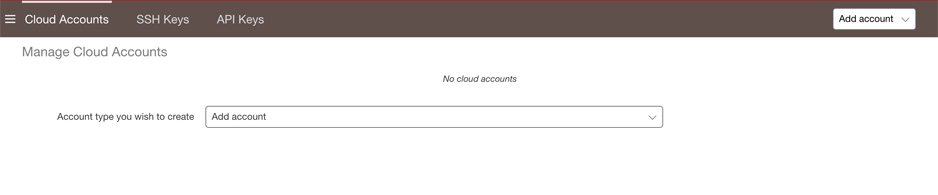
- Scroll over any given field for more information on the mandatory information to provide for a given cloud account.
- Click
Createto complete.
Note
If you are an Amazon IAM user you will need to generate an X.509 Certificate following these instructions prior to creating your cloud account on UForge.