Listing Appliance Templates
To view the appliance templates you have access, go to the Apps tab in the user interface. By default the appliance templates are listed by latest first.
Under the Appliance Library, the appliances are organized as follows:
Created Appliancesare appliance templates you createdImported Applianceshave been imported from a Collaboration workspaceShared Appliancesare appliance templates that you have shared to a Collaboration workspace
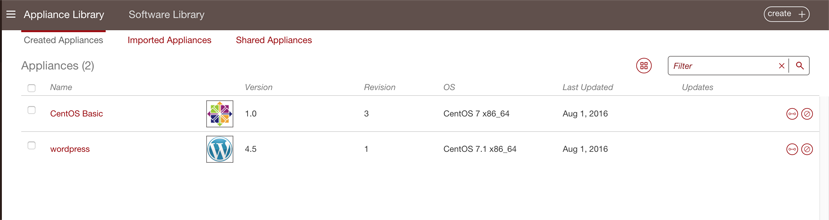
You can view the details of an appliance template, generate images from them and comment on them.
Searching Appliance Templates
To find a particular appliance template you can:
Go to the
Appstab on the left sidebar.Use the search engine. The search runs on the appliance name or the OS name. To use the search engine, enter the text in the filter field.

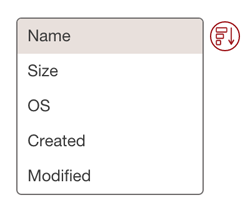
If you are in the grid view you can sort the appliances. From the drop-down menu select how you want to sort the appliances in your library.